An agent beside the picture
Choose your installed coding agent and model. Keep the conversation, files and preview together.
REELKIT / DESKTOP
Your coding agent, your film and your timeline. Together in a desktop studio that keeps your project on your machine.
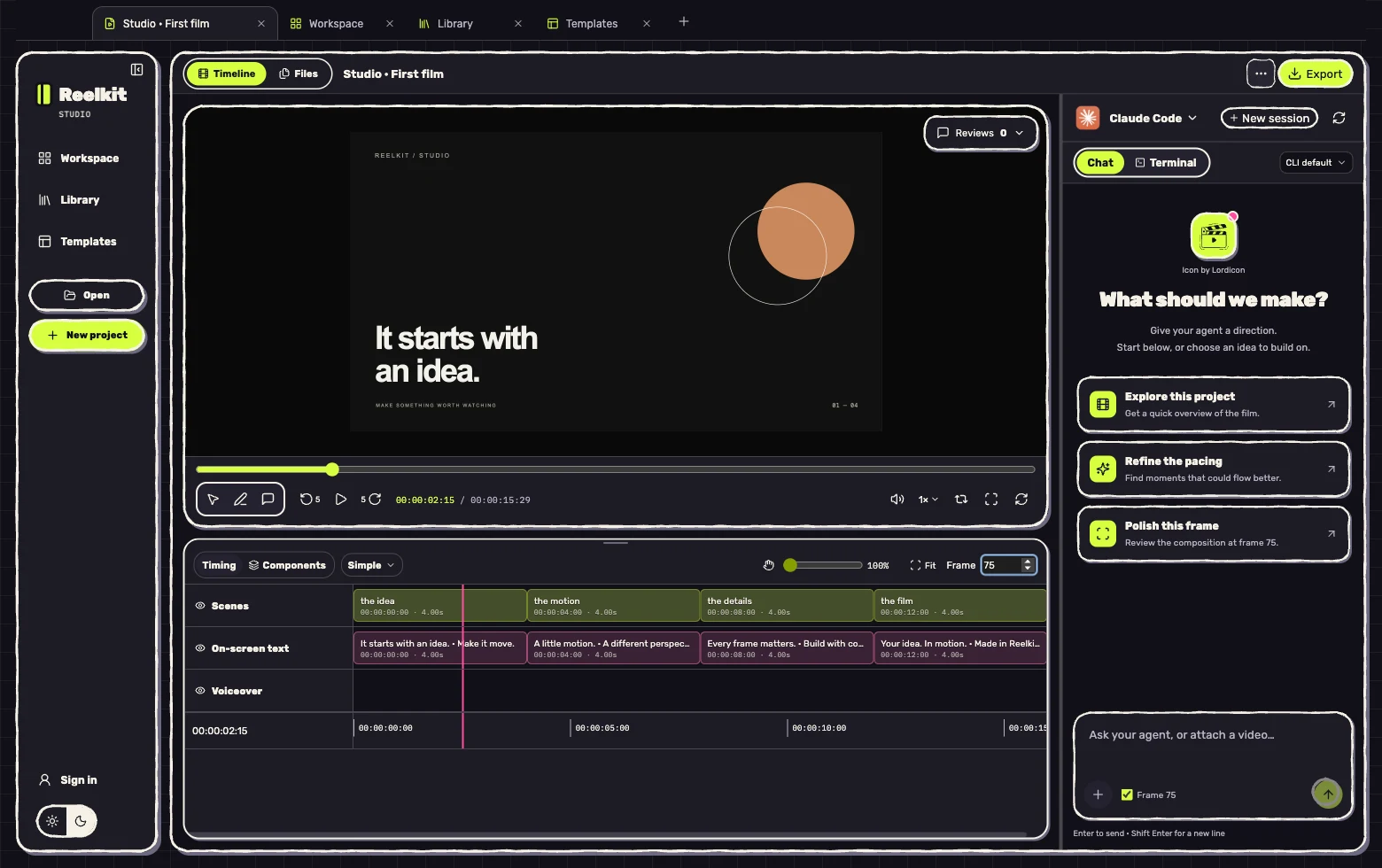
Build with your agent. See the result. Draw exactly what should change.
Choose your installed coding agent and model. Keep the conversation, files and preview together.
See scenes, components, voiceover, music and sound effects. Inspect an element and hide or mute layers.
Draw on a frame, add a review note and send the saved feedback to your agent. Export when the film is ready.
Start with the Mac app. Connect a coding agent when you are ready to edit.
Open the DMG and drag Reelkit Studio into Applications. Open it from Applications.
Use Claude Code, Codex or another supported agent installed on your Mac. Sign in through that agent’s own setup. Agent subscriptions are separate.
Bring an existing Reelkit project, start a new one or use a community template. Give the agent your direction and watch the preview.
This download is for M1 and later Apple Silicon Macs. Intel Mac and Windows installers are not available on this page yet.
Studio checks for new versions after launch. Use Updates to check manually, download the update, then restart when your work is saved. Project files stay on your machine.
Looking for the CLI and agent skill? Install the CLI